Your test runs can finally go all the way on their own
At night, at the weekend, on every commit or release.
Q-Bot drives two-factor authentication on a real smartphone, on demand from your test pipeline. The last manual step of your test runs disappears, without a human in the loop.
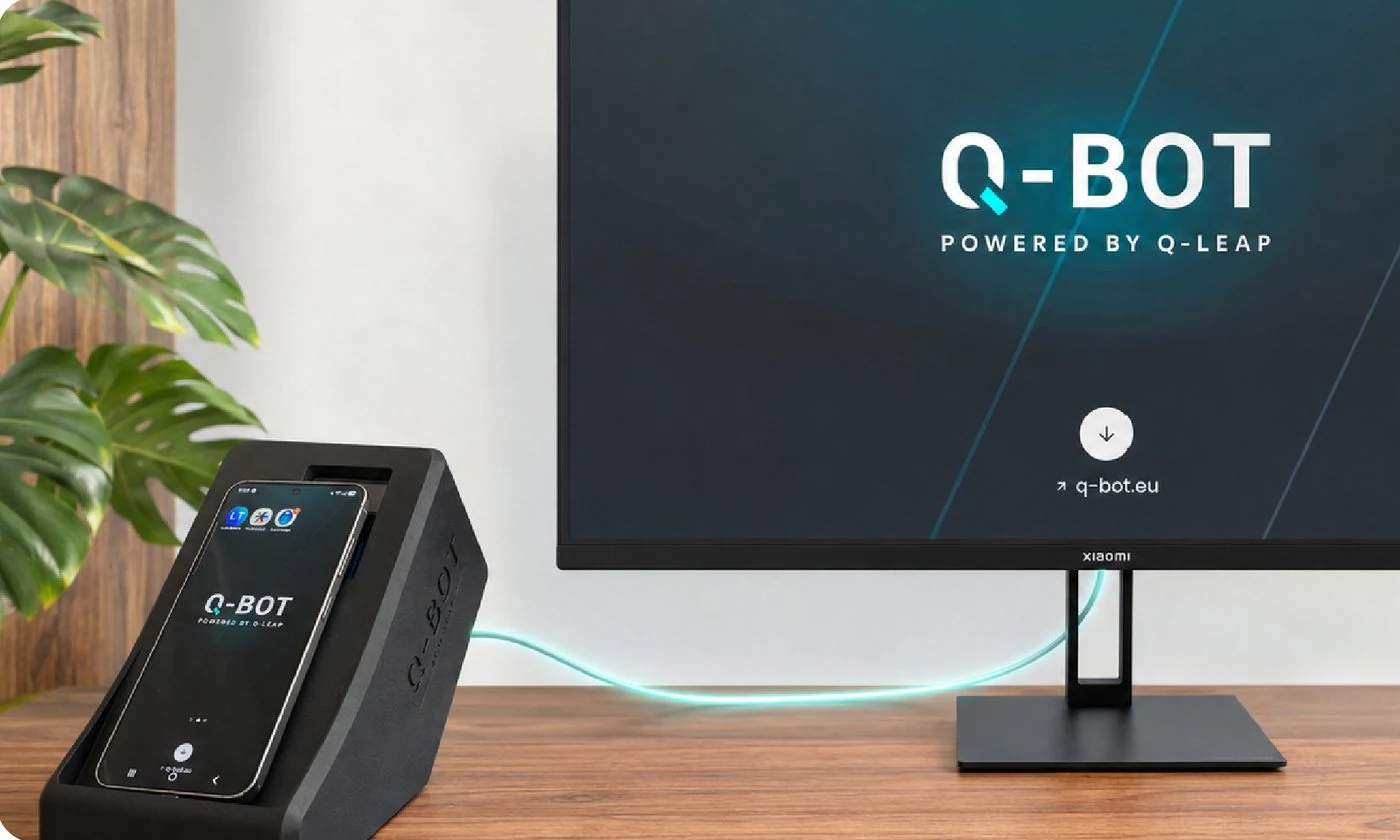
A test suite can automate everything except the validation on a smartphone. A human then has to step in, and until they do, the test stays blocked.
When your test reaches the mobile validation, Q-Bot drives the smartphone automatically, runs the 2FA scenario and lets the test carry on with no human intervention.
The test reaches mobile validation.
One HTTP call starts the scenario.
It acts inside the genuine 2FA app.
A code, a push or a mobile interaction.
The run carries on automatically.

Take a screenshot of the app, place the areas to tap and the wait times. Q-Bot remembers the scenario and then replays it automatically on the real smartphone.
A test reaches the 2FA step. Q-Bot takes over on a real smartphone. The test carries on automatically.
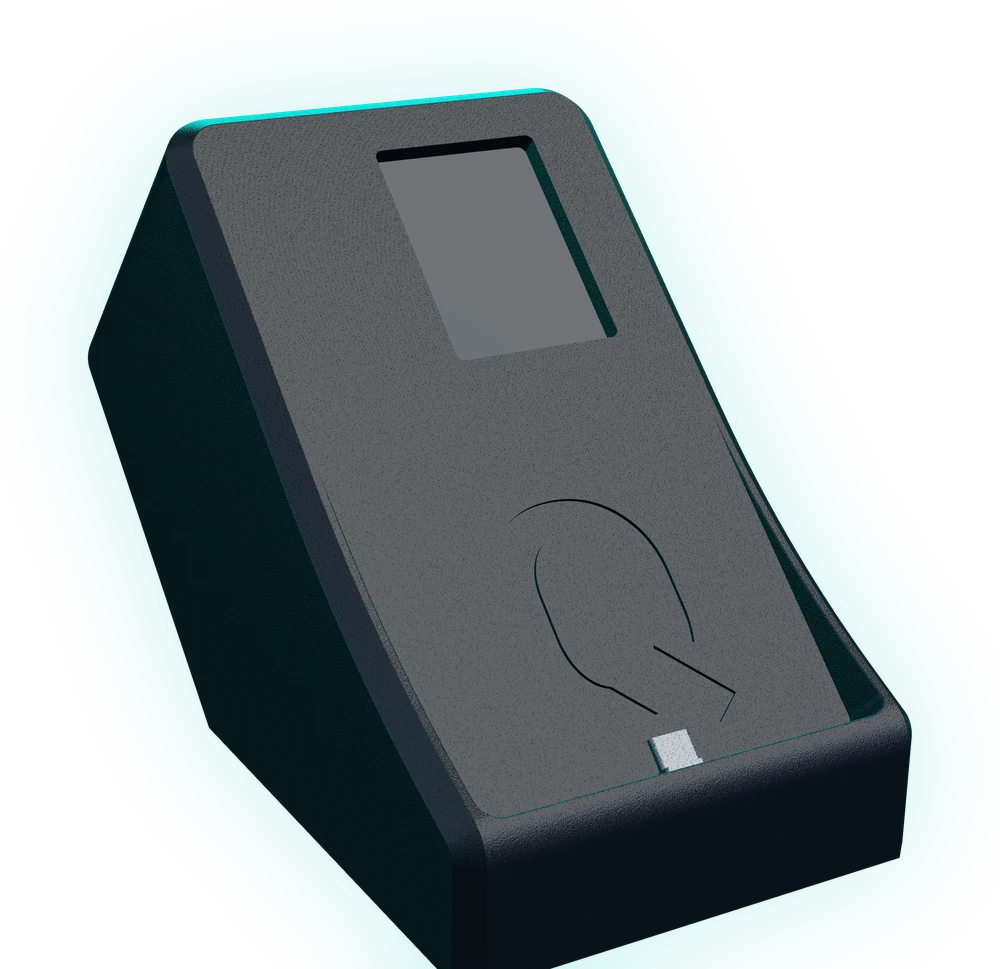
Step 1 of 4
Q-Bot is set up next to the tester's workstation and connects to the company network. No software installation required.
Q-Bot is connected over USB to a genuine smartphone. It drives the real 2FA app directly and reproduces the interactions a user performs. Not a simulator, not a stub.
Fast validation in seconds
Scenarios stay in the device, on your own network.
Zero data sent to an outside service
The format is meant to sit beside the tester's screen and be forgotten, not to take up half the desk.

It removes the one step test tools cannot get past, without bypassing it: the approval happens in the genuine 2FA app, on a genuine smartphone.
At night, at the weekend, on every commit or release.
No mock, no simulator.
One HTTP call is all it takes.
Q-Bot runs locally, on your network.
Three situations where two-factor authentication stops a test run, and where Q-Bot takes over. Whether your tests target a web, mobile or business application.
The whole journey runs, login and approval included, without skipping the 2FA step.
Nightly suites and merge-request runs go all the way through.
Confirming a transaction, signing a document, elevating a session: Q-Bot approves it on the phone.
Q-Bot drives the 2FA apps on an Android smartphone, and is triggered from the test pipeline you already use.
Your tool is not on the list? If it can send an HTTP call, it can trigger Q-Bot.
Made in LuxembourgDesigned and built by Q-Leap.


